

Bandly is an IELTS Academic Writing practice app. Scores and feedback are learning estimates, not official IELTS results.
Write and review an answer
Prompts, answers and examples are in English. Changing the interface language does not change the Writing task language.
- Choose an Academic Task 1 or Task 2 prompt, or prepare your own.
- Write an English answer and request feedback using the selected scoring method.
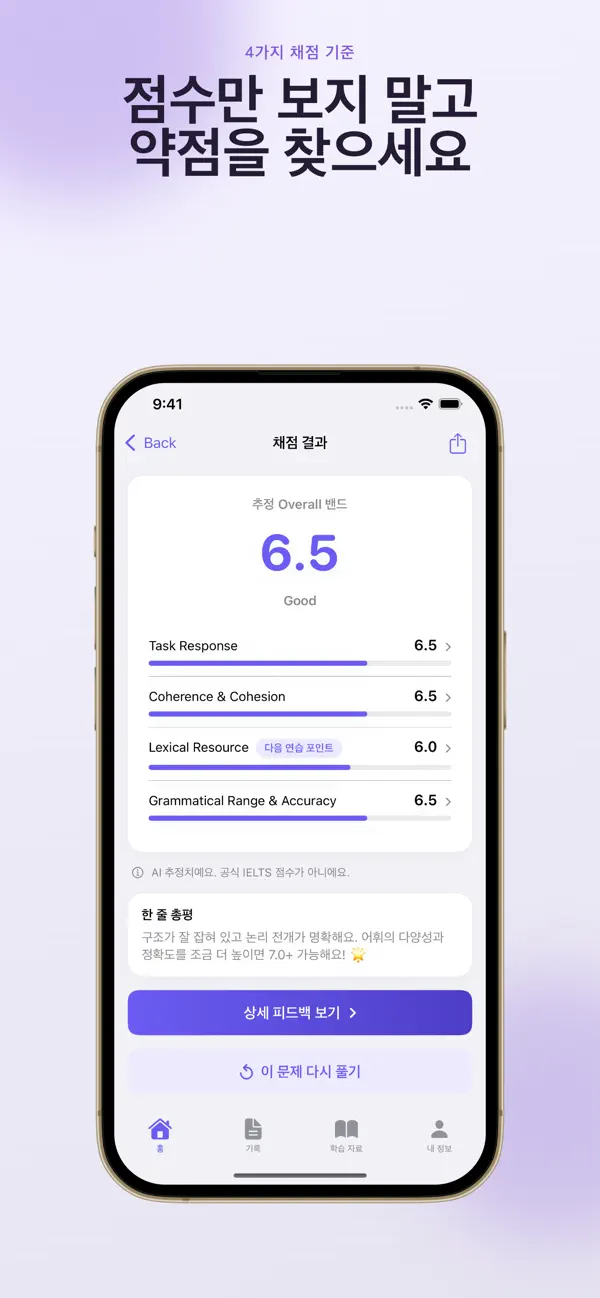
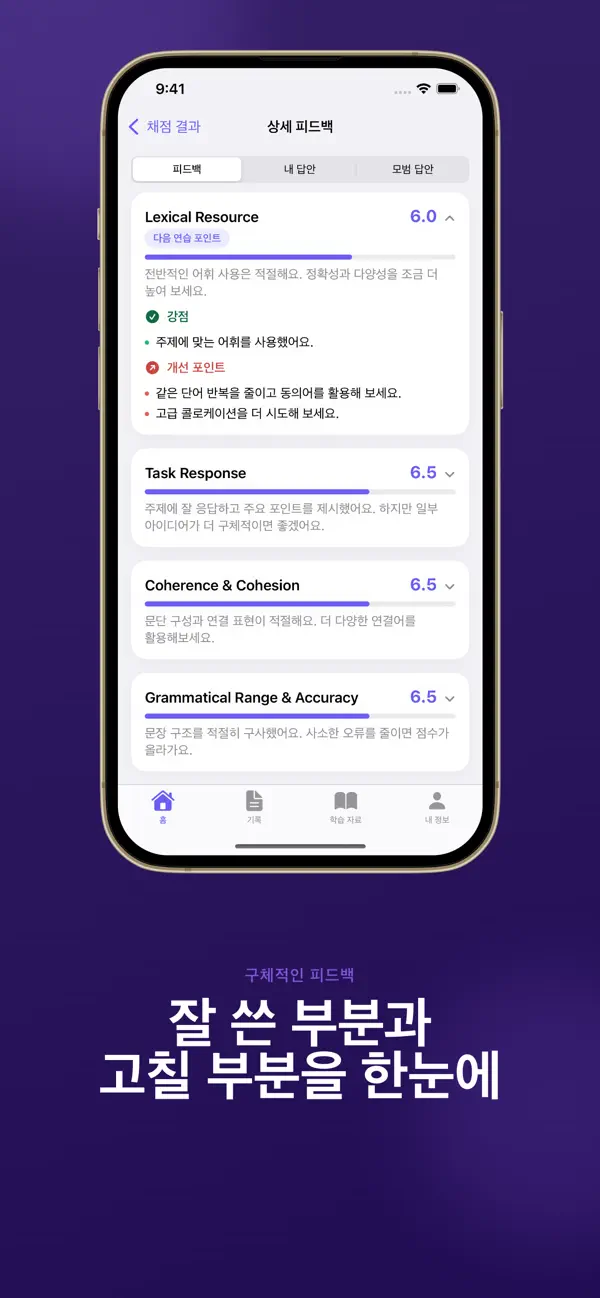
- Review the four assessment criteria and examples, rewrite, then compare with your history.
On-device scoring
Free on-device scoring is available, with an optional model download of about 2.6 GB. Check storage and connectivity before downloading. The Mac app uses local scoring.
Cloud scoring on iOS
The iOS Premium monthly subscription includes cloud scoring after consent. It sends the answer, prompt and optional selected photo to Zrindy and OpenAI. Revoking consent or deleting the server account does not automatically cancel the Apple subscription or erase local history.
If scoring fails
Check model readiness, storage, connectivity and the selected scoring method. After a cloud error, check the preserved draft before retrying. Manage account deletion and subscription cancellation separately in their respective screens.
Official app previews
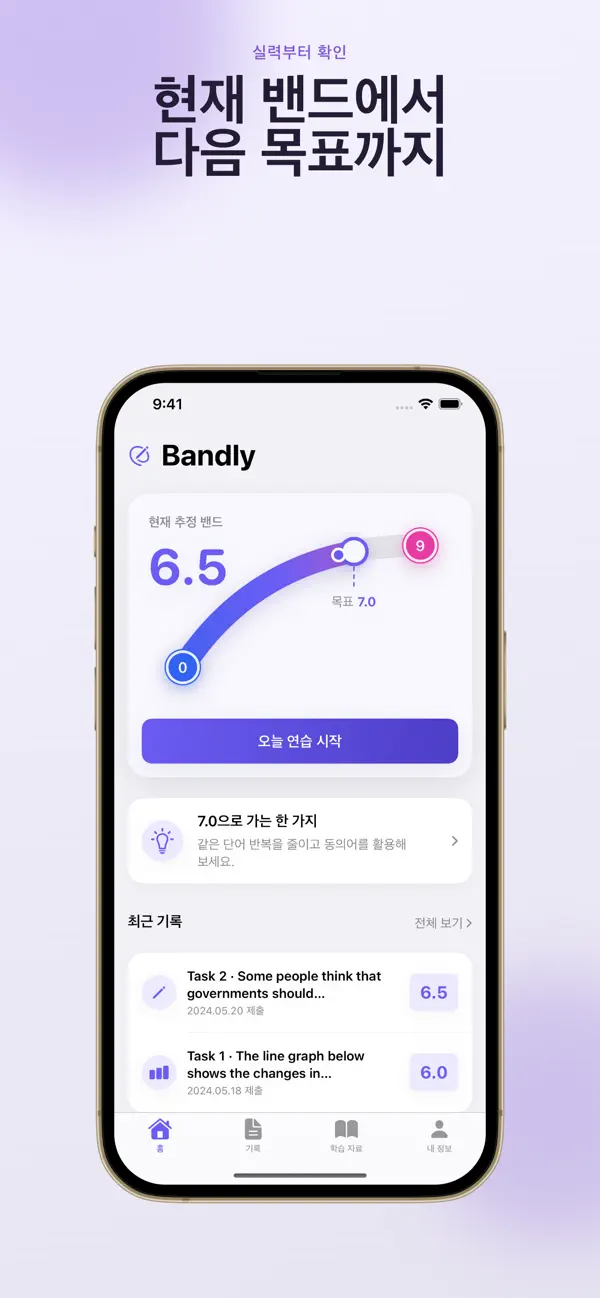
These images come from the public App Store listing. Screens can differ by language, device and app version.
Common questions
Is the score an official IELTS prediction?
It is not official. Use the estimate to guide practice.
Is every answer sent to a server?
On-device scoring differs from consented cloud scoring. Check the method currently selected.
Does your screen look different?
The app changes over time. Include your app version and the steps you tried when contacting support. Do not send passwords, payment details or API keys.
dev@zrindy.comThis guide was translated from the developer’s source text. If a step is unclear, compare the original or contact support. Read the original