
CatchMarketing provides AI-assisted marketing learning notes covering terms, advertising platforms and practical concepts.
Use a learning note
Pick one concept you want to understand and keep the learning scope small.
- Select a marketing topic or learning note in the app.
- Read both the meaning of a term and its context.
- Check the advertising platform’s official guidance before applying it to a real service.
Separate learning from campaign operation
Reading a learning note does not imply that an ad has been created or launched. Campaign operation is a separate task requiring review of targeting, budget and measurement in the actual platform.
Check current information
AI explanations can be wrong, and platform interfaces or policies can change. If a note differs from the current screen, consult the platform’s latest official documentation.
If content is wrong or unavailable
Include the note name, app version and reproduction steps in a support request. Do not send passwords or secret keys from advertising accounts.
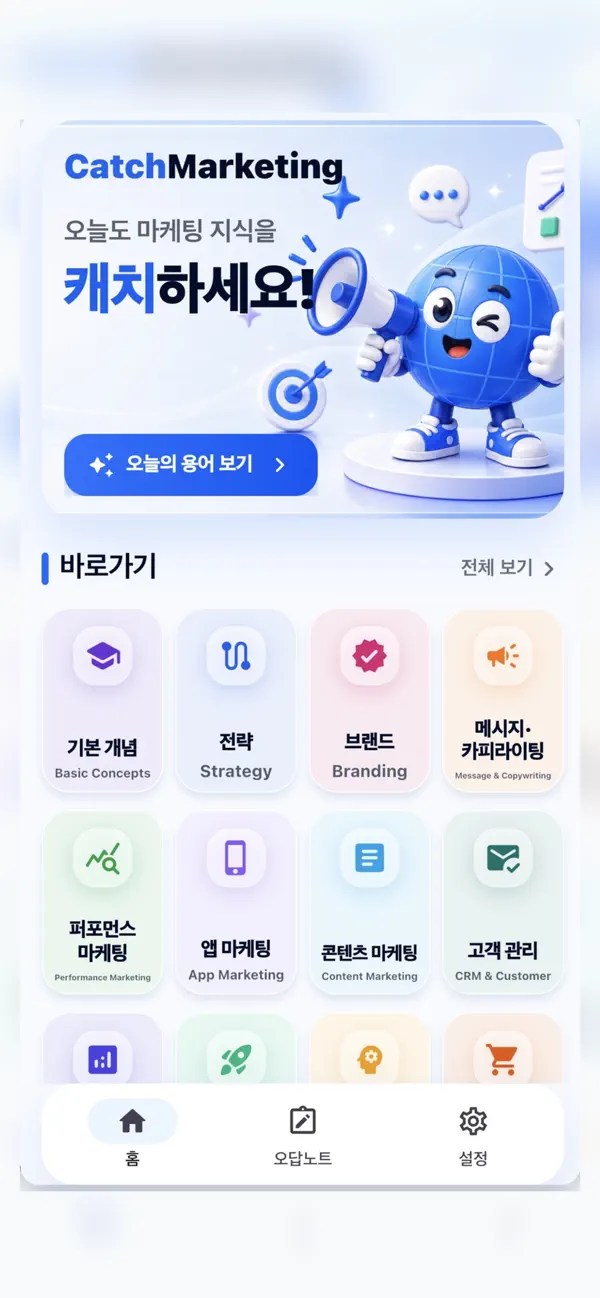
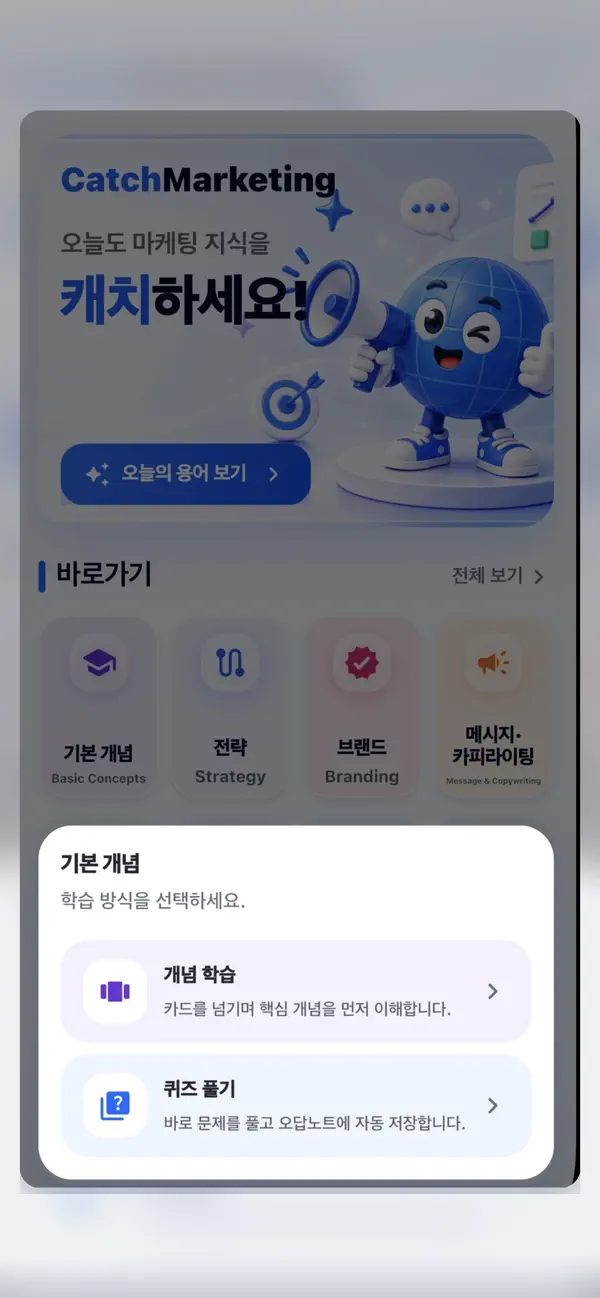
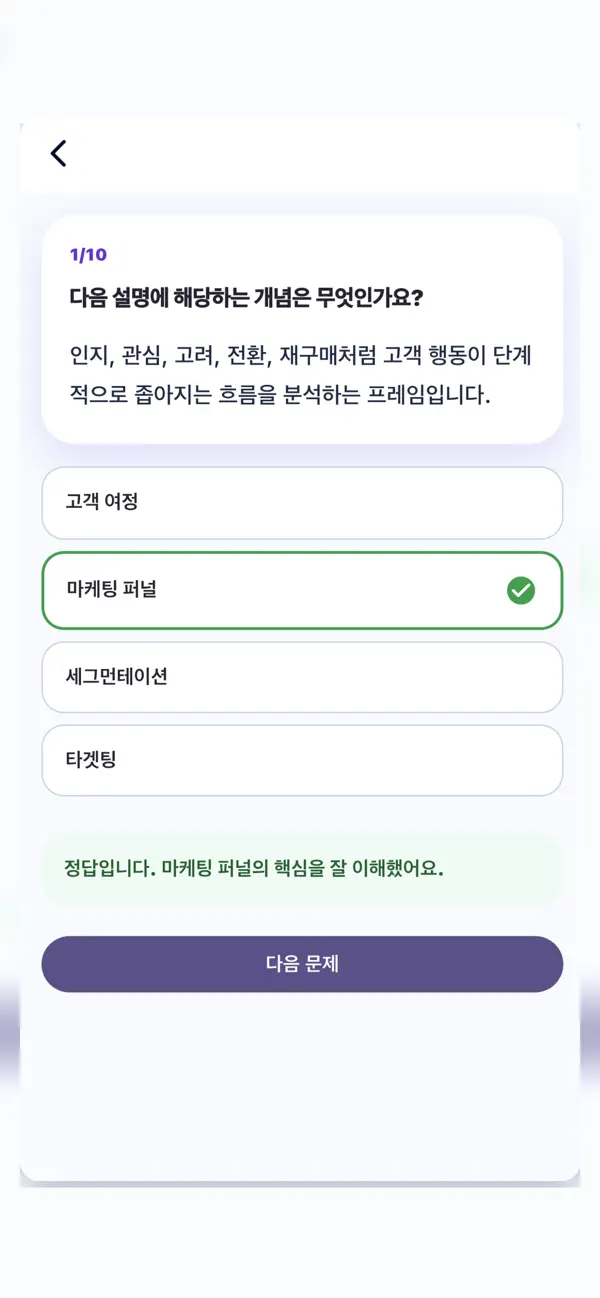
Official app previews
These images come from the public App Store listing. Screens can differ by language, device and app version.
Common questions
Does this guide describe automatic ad buying?
No. This guide describes marketing learning, not an ad-buying service.
Is every learning note always current?
That is not guaranteed. Verify current settings and policies in official documentation before operating campaigns.
Does your screen look different?
The app changes over time. Include your app version and the steps you tried when contacting support. Do not send passwords, payment details or API keys.
dev@zrindy.com