

ChatDict connects chat-based language learning with dictionary and notebook tools. Save examples with words so later review retains their context.
Set up and look up a word
Choose the language you are learning separately from your native language.
- Set your learning and native languages.
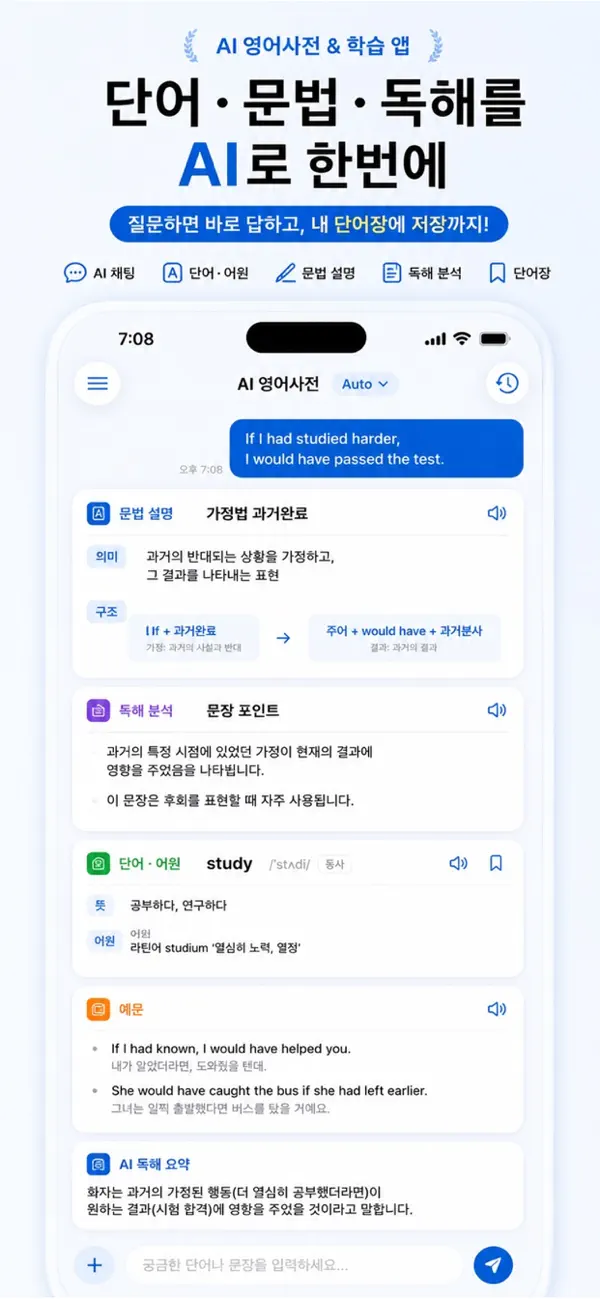
- Look up a word and review its meaning, pronunciation and examples.
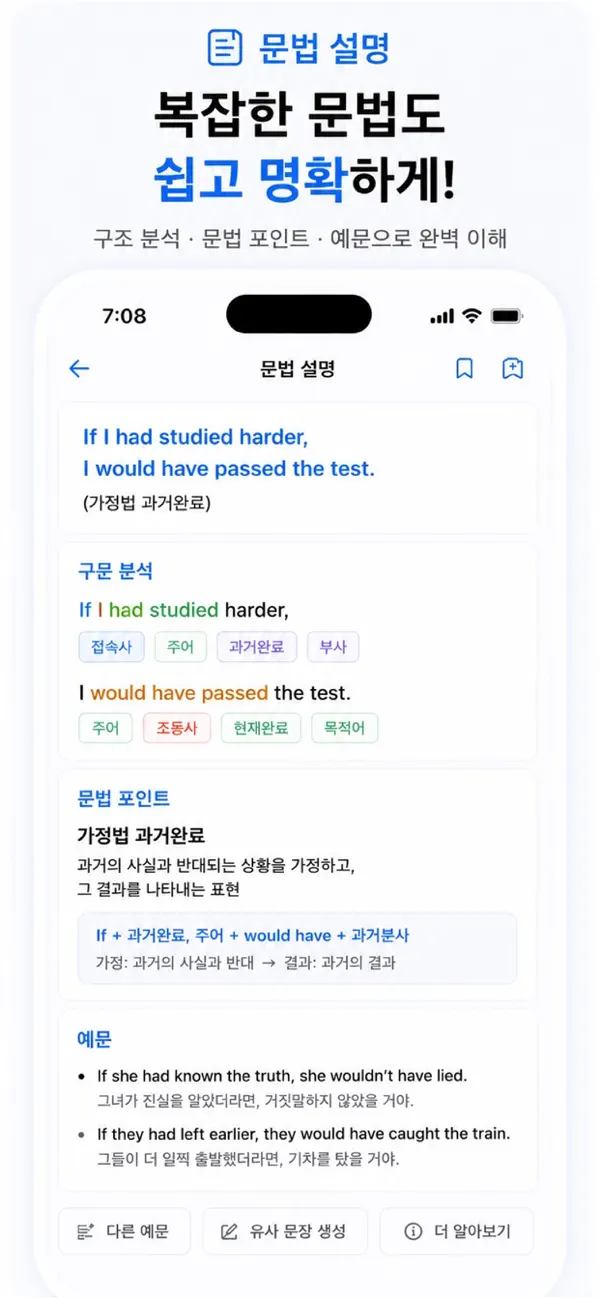
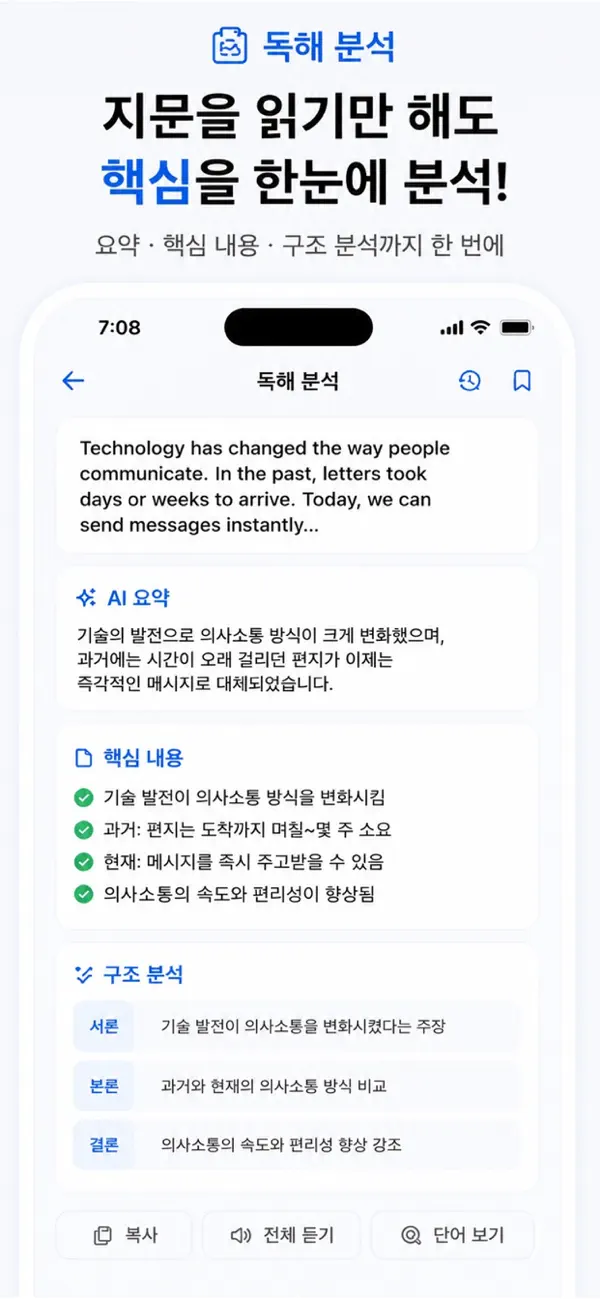
- Use grammar, verb-form information or sentence analysis when you need more context.
Notebook and flashcards
Save words and examples you want to revisit. During review, use flashcards to check recall and reread the original example.
Check learning results
AI-generated explanations and analysis can contain mistakes. Cross-check important exam or work material with a trusted dictionary or original source. This guide does not promise video-course import or fully offline AI use.
If the language or meaning is wrong
Recheck the learning and native language settings. If a word has several meanings, consult its actual sentence. For repeated response failures, check connectivity and include your app version when contacting support.
Official app previews
These images come from the public App Store listing. Screens can differ by language, device and app version.
Common questions
Can I save examples too?
Yes. The notebook supports collecting words and examples for review.
Where can I check paid features?
Use the current in-app purchase screen for availability, conditions and pricing.
Does your screen look different?
The app changes over time. Include your app version and the steps you tried when contacting support. Do not send passwords, payment details or API keys.
dev@zrindy.com