

Convertly combines calculation and unit conversion. Check the input and both source and destination units before using a result.
Calculate and convert
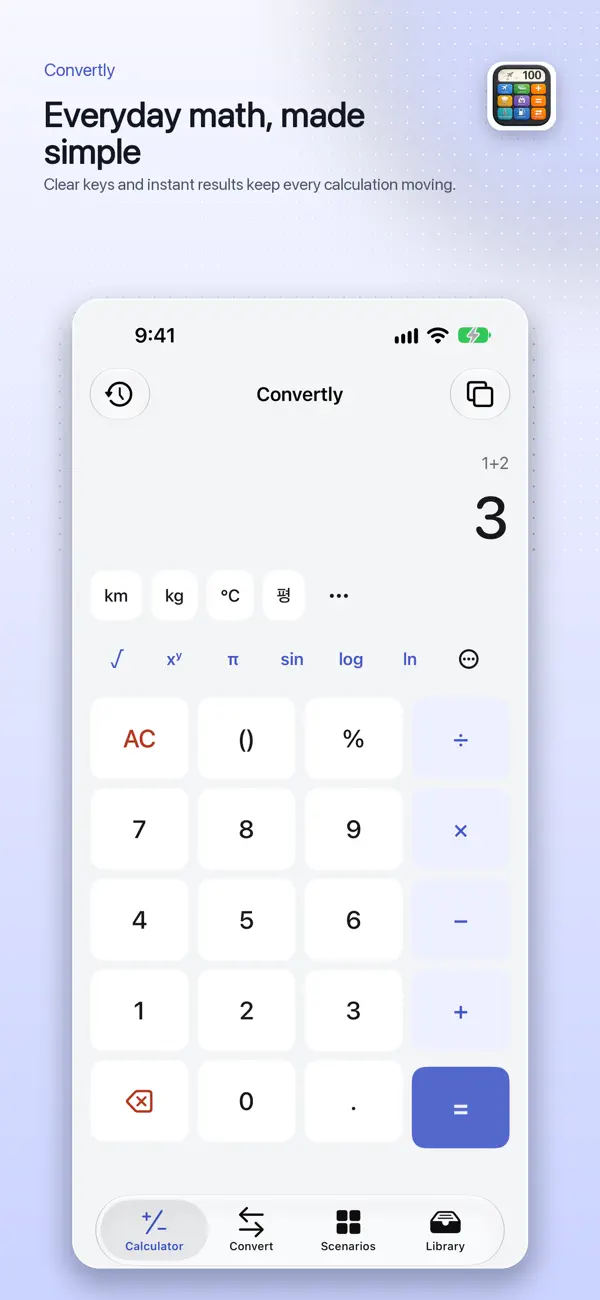
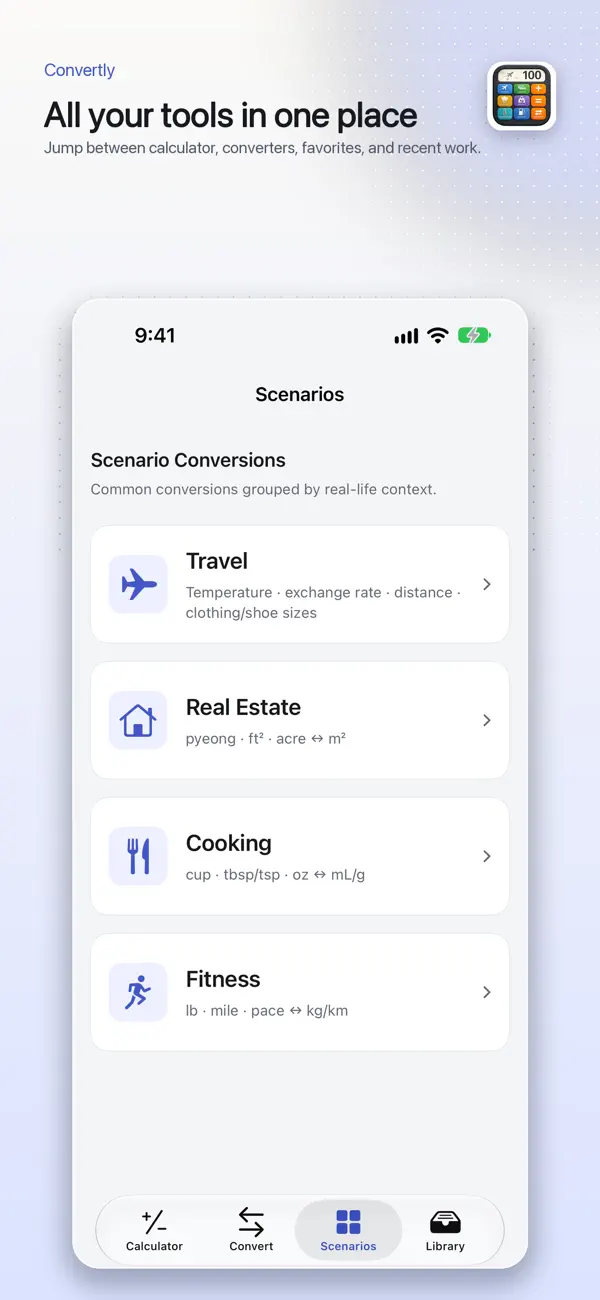
Choose the task you need from Calculator, Convert, Scenarios and Library.
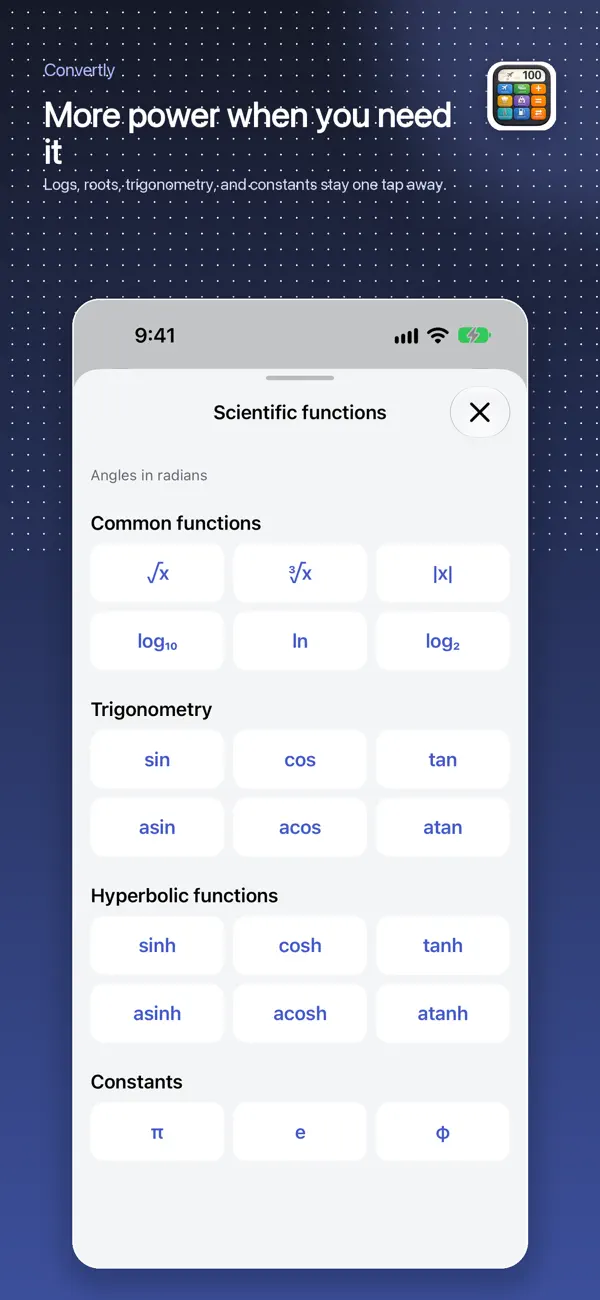
- Use Calculator for regular or scientific calculations and review the result.
- In Convert, select a category such as temperature, distance or weight and the two units.
- Enter the value and recheck conversion direction and decimal placement.
Everyday conversions
Conversions include clothing/shoe sizes, area/pyeong, cooking units and pace. Use scenarios and date-based calculation history to revisit common work.
Exchange-rate references
Exchange rates are manually entered references and are not guaranteed live market rates. For a transaction, separately check the time, fees and rate applied by the bank or service.
If a result looks wrong
Check the number, unit category, conversion direction and selected regional sizing system. For important calculations, retain the original values and verify the conversion with another reliable source.
Official app previews
These images come from the public App Store listing. Screens can differ by language, device and app version.
Common questions
Are clothing and shoe sizes universal?
Standards can differ by region and brand. Check the manufacturer’s size chart alongside the converted value.
Do exchange rates update automatically?
The published feature covered here uses manual reference rates. Do not interpret it as automatic live updates.
Does your screen look different?
The app changes over time. Include your app version and the steps you tried when contacting support. Do not send passwords, payment details or API keys.
dev@zrindy.com