

DayByDay is a visual daily planner. This guide covers scheduling and data handling described for the current public release.
Build a daily schedule
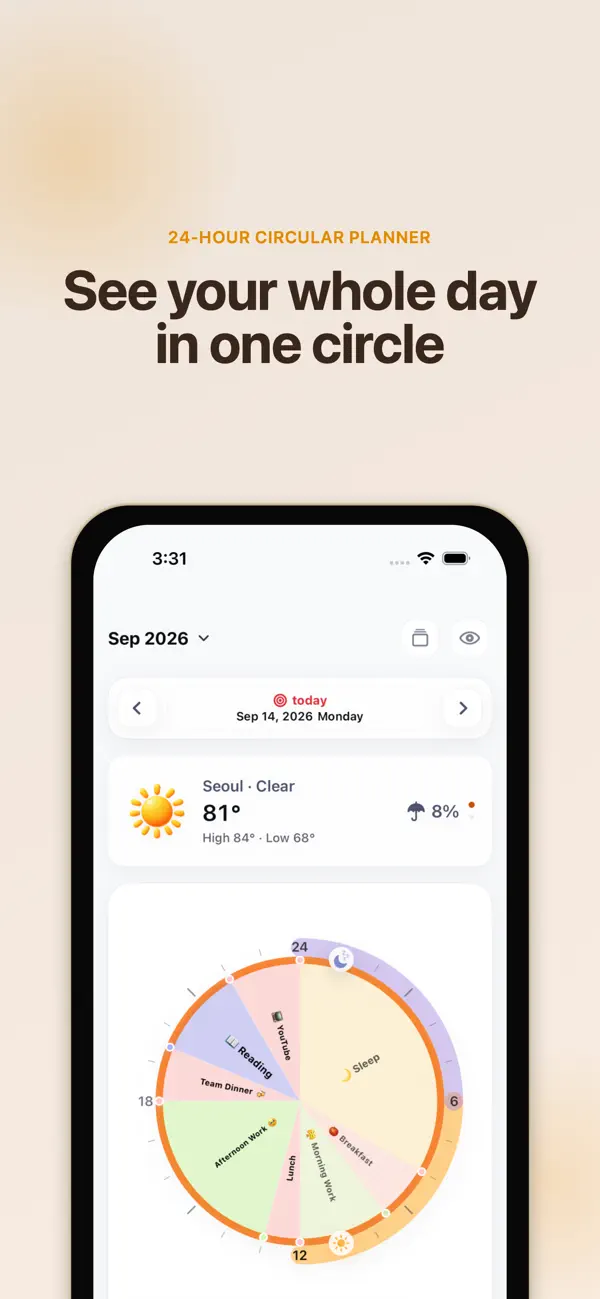
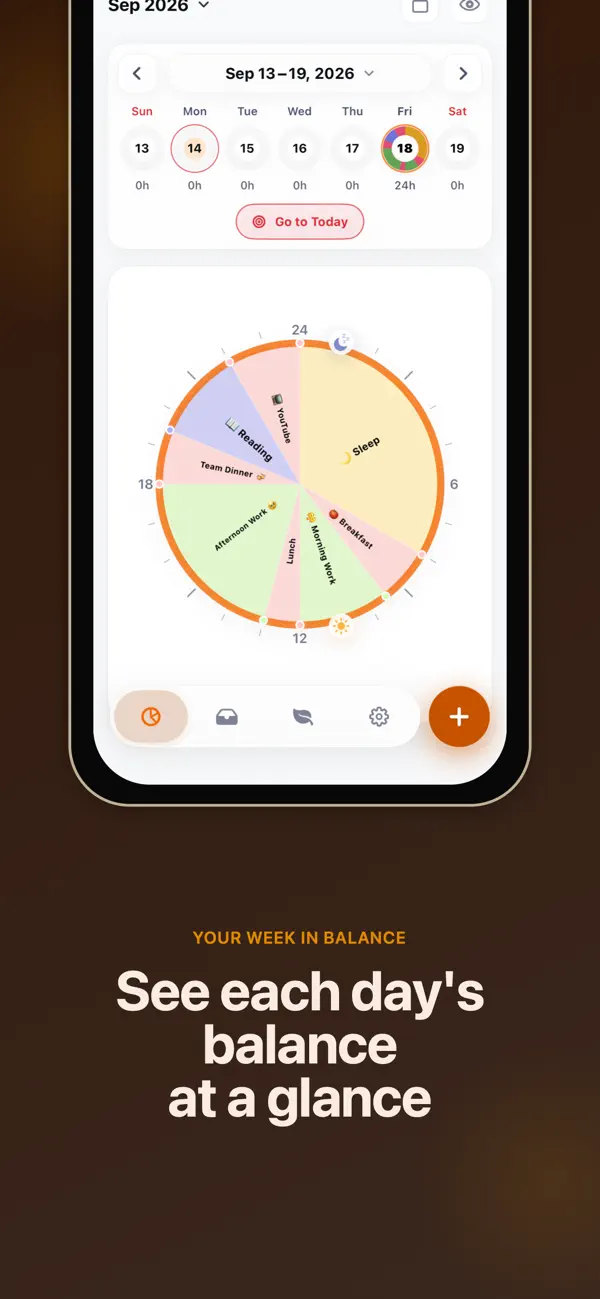
Choose a circular view or timetable to see how your day fits together.
- Choose a date, then add a schedule with a start time and duration.
- Edit schedules when plans change or overlap, then compare the plan with your day.
- Save a recurring daily layout as a template for future planning.
Reminders and widgets
Reminders can alert you 10 minutes before, 5 minutes before and at the start. After enabling reminders, check iOS notification permission and Focus settings. Add a widget to see the schedule from the Home Screen.
Calendar import and data
Premium Apple Calendar import is read-only and creates an automatic backup before syncing. Local storage, private CloudKit sync and JSON export serve different purposes. Verify an exported file before moving devices or making major changes.
If an event or reminder is missing
Check the selected date, calendar permission, calendars selected for import and notification settings. For iCloud, also check the Apple account and iCloud availability on both devices. Google Calendar connection is outside the published feature scope of this guide.
Official app previews
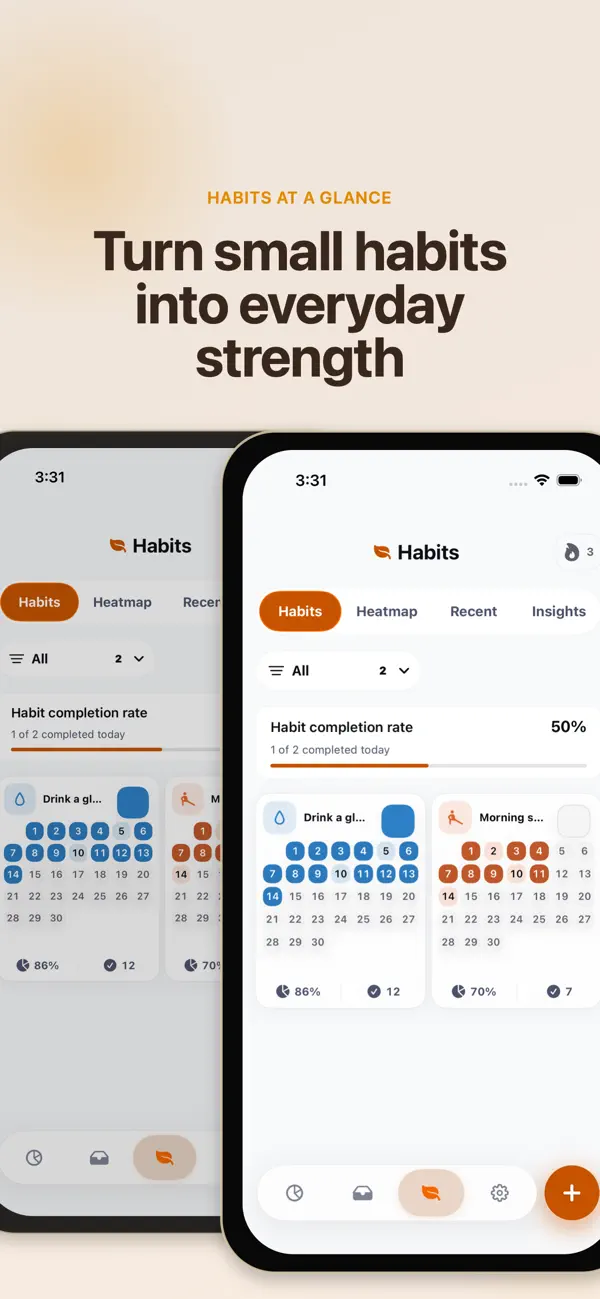
These images come from the public App Store listing. Screens can differ by language, device and app version.
Common questions
Does import edit the original Apple Calendar?
The published import feature is read-only. Edit the original calendar in its own calendar app.
Is an Android version available?
This guide covers the published app on Apple devices and does not advertise an Android release.
Does your screen look different?
The app changes over time. Include your app version and the steps you tried when contacting support. Do not send passwords, payment details or API keys.
dev@zrindy.com