

PillCheck organizes intake schedules and records. Verify the medicine, dose and timing against your prescription or a healthcare professional’s instructions.
Register an intake item
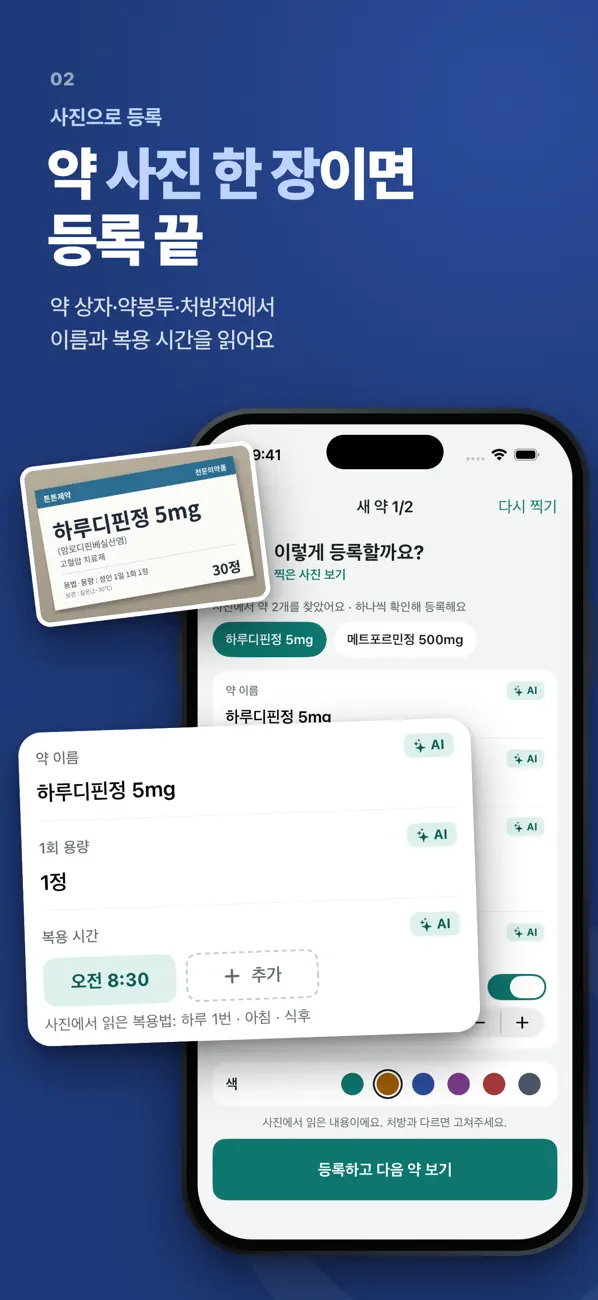
Recognized text is a starting point for entry. Compare it with the original before saving.
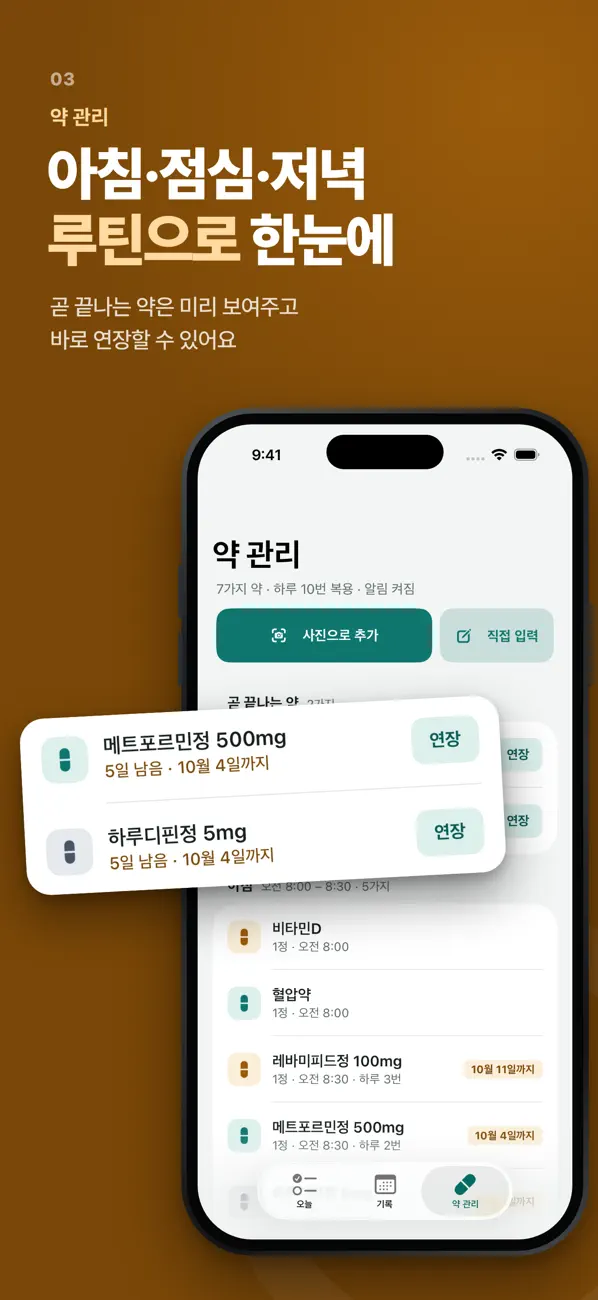
- Add a medicine or supplement and set its intake time.
- If using OCR on a package, bag or prescription, verify the name and recognized details.
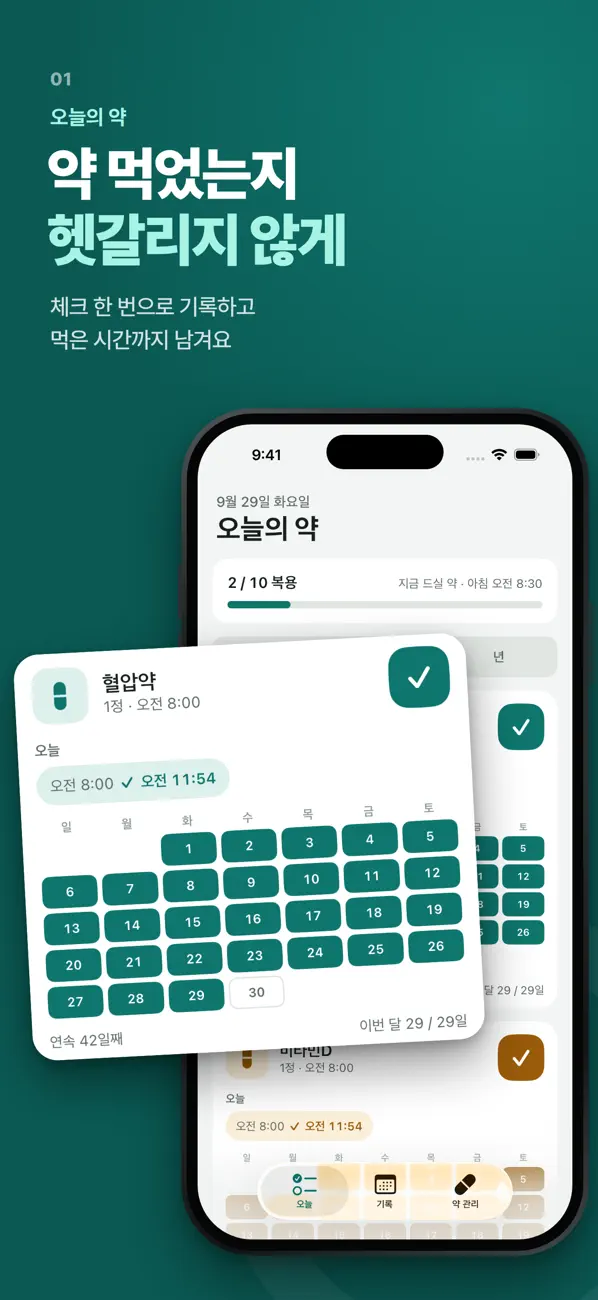
- Tap the item to log intake after actually taking it.
Reminders and history
Use widgets and time-based lists to see the schedule, then review the calendar and history. For missing reminders, check device permission, Focus and the configured time.
On-device storage and Health data
Records are stored on the device. Optional Health import requires iOS 26 or later. Do not assume that signing in or importing data creates an external backup of every record.
If OCR reads an item incorrectly
Check lighting and sharpness, then compare and correct names, times and numbers against the original. The app does not prescribe treatment or recommend dose changes.
Official app previews
These images come from the public App Store listing. Screens can differ by language, device and app version.
Common questions
Should I use the app to decide what to do after a missed dose?
Follow the medicine’s instructions or ask a healthcare professional. Do not decide on an additional dose from the app record alone.
Why is Health import unavailable?
Check that the device runs iOS 26 or later and review the relevant permission.
Does your screen look different?
The app changes over time. Include your app version and the steps you tried when contacting support. Do not send passwords, payment details or API keys.
dev@zrindy.com