

Reaction Training helps you follow your own reaction time through repeated measurements. Records and comparisons are practice tools.
Take a first measurement
The first measurement uses three rounds; later you can choose one, three, five or seven.
- Start a measurement and wait for the reaction signal on screen.
- Respond to the signal and complete the selected rounds.
- Review the result and keep the device and environment similar for later measurements.
Use history and goals
History charts, tiers and gauges show changes over time. Full history, detailed analysis, tier guidance, friend records and goals include Premium features.
What the numbers mean
Input latency, attention and practice can affect results. Benchmarks are references, not an official scientific assessment or esports ranking. Compare trends under similar conditions rather than one result.
If results vary widely
Reduce interruptions and repeat measurements on the same device. The app stores records locally without an account, so check preservation options before reinstalling or changing devices.
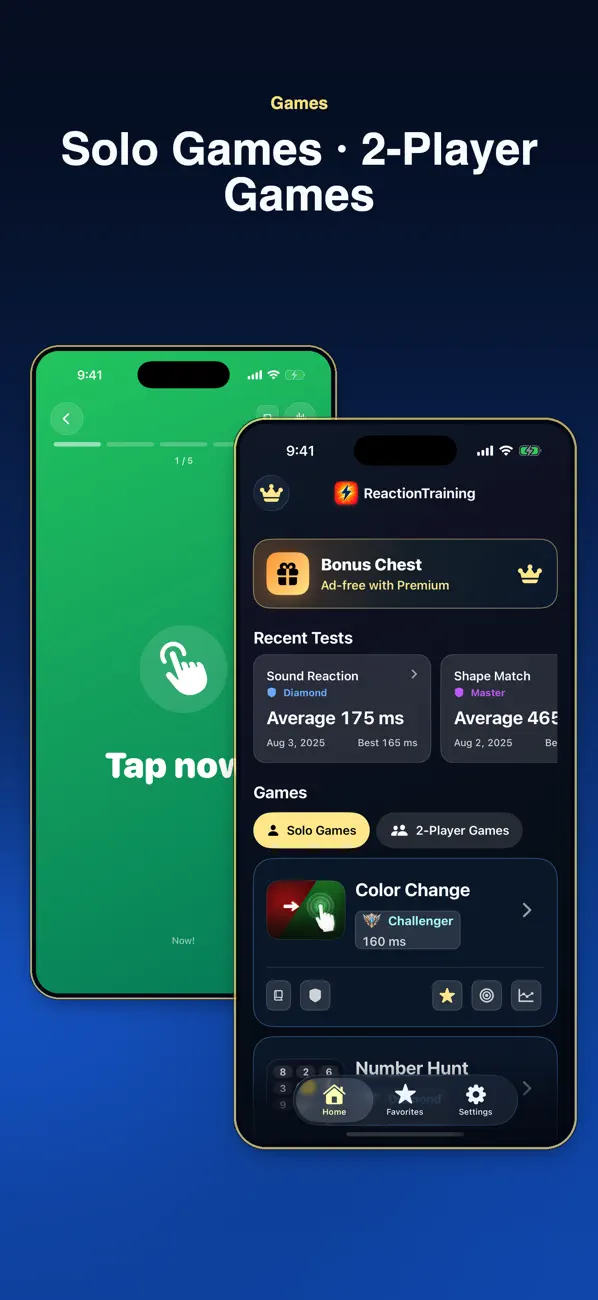
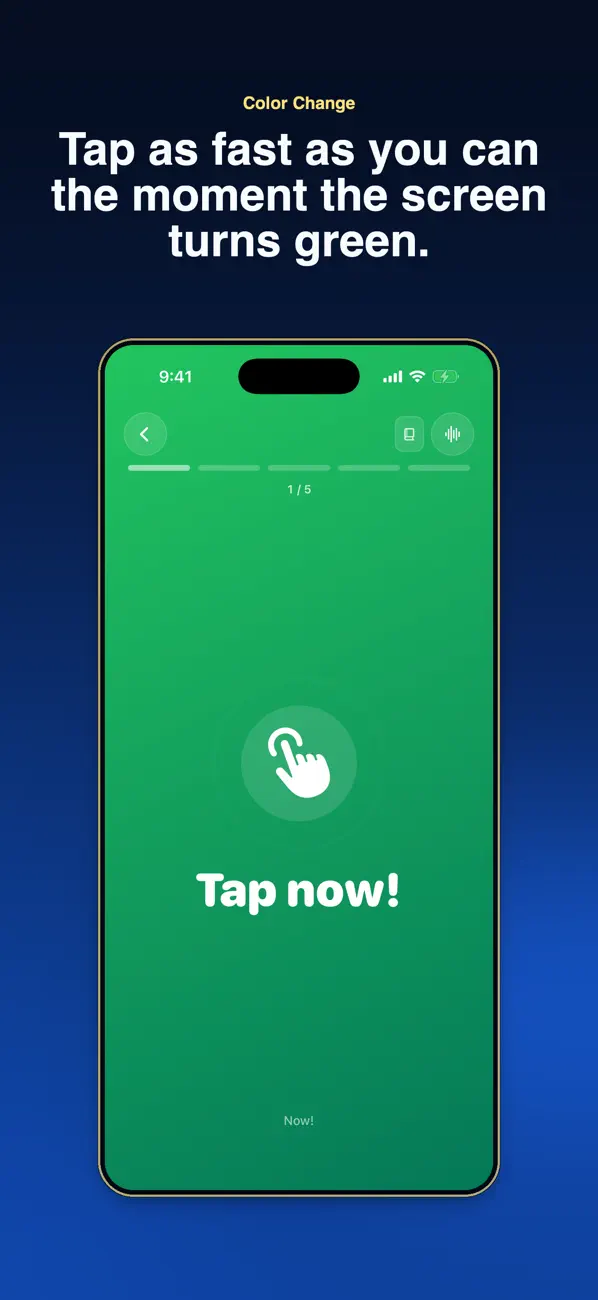
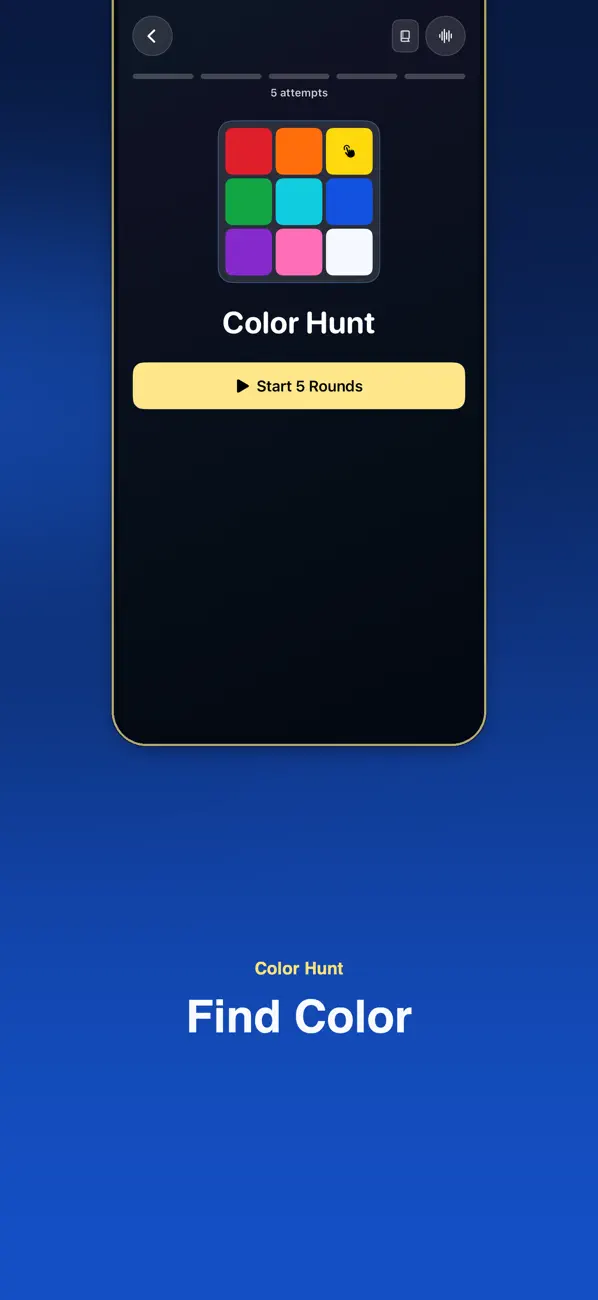
Official app previews
These images come from the public App Store listing. Screens can differ by language, device and app version.
Common questions
Can I compare results with friends?
Use the available comparison features, but different devices and conditions make a direct skill ranking unreliable.
Do I need an account?
The published app uses local records without requiring an account.
Does your screen look different?
The app changes over time. Include your app version and the steps you tried when contacting support. Do not send passwords, payment details or API keys.
dev@zrindy.com