

Shadow Me is a language-practice app for listening to short videos and speaking along. Repeat a short passage before trying to match full speed.
Start shadowing
Use the same clip for understanding, listening and speaking practice.
- Choose a short video and listen through once.
- Check expressions with subtitles, then repeat the passage you need.
- Follow the practice steps and use recording to listen back to your speech.
Practice with repetition
Break long sentences into shorter passages. Compare practice with and without subtitles, then listen for omitted words and rhythm in your recording.
Audio and recording permissions
Recording needs microphone permission. Choose a location that avoids capturing other people’s conversations. If permission was denied, enable it in device settings.
If playback or recording is silent
Check device volume, connected headphones/Bluetooth output and microphone permission. If the video does not load, check connectivity and the availability of that content.
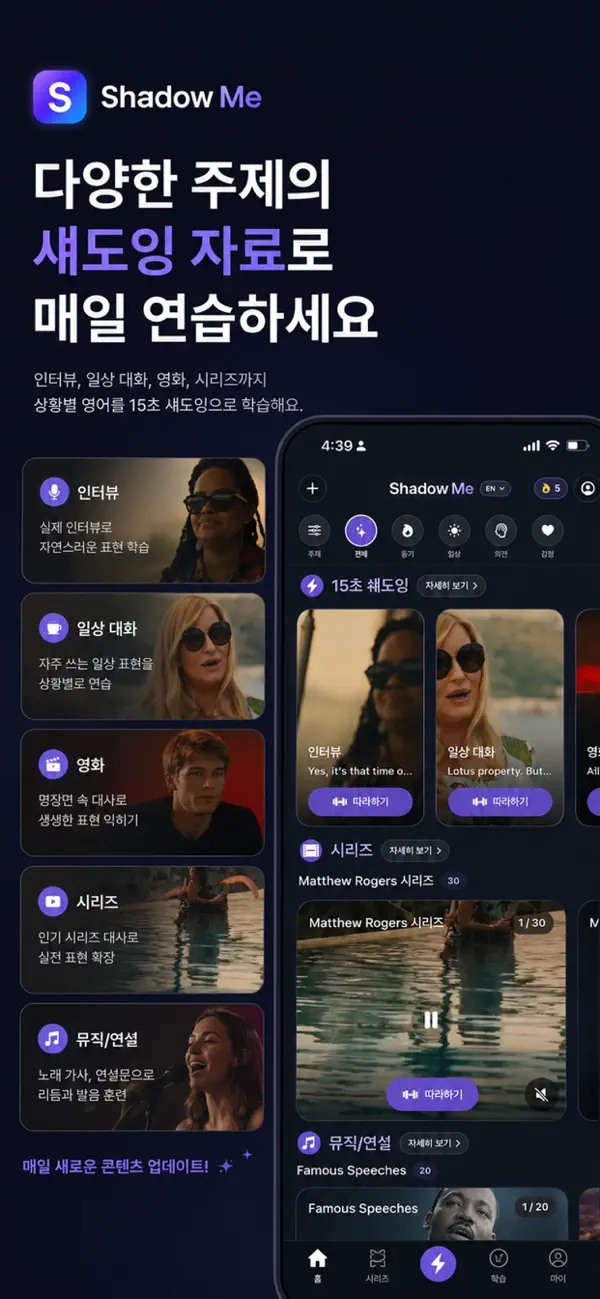
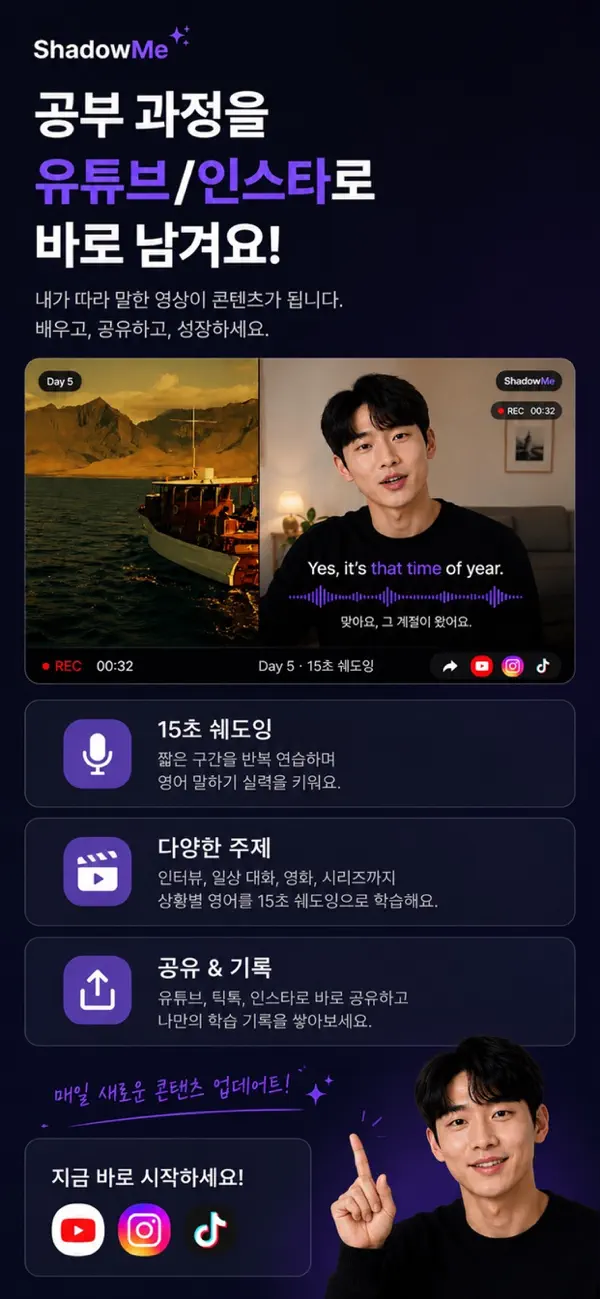
Official app previews
These images come from the public App Store listing. Screens can differ by language, device and app version.

Common questions
Does the guide promise an automatic pronunciation score?
No. This guide covers listening, repetition and recording, without promising automatic pronunciation scoring.
How long should my first practice be?
Start with a short passage of a few sentences, understand it and repeat it several times.
Does your screen look different?
The app changes over time. Include your app version and the steps you tried when contacting support. Do not send passwords, payment details or API keys.
dev@zrindy.com