

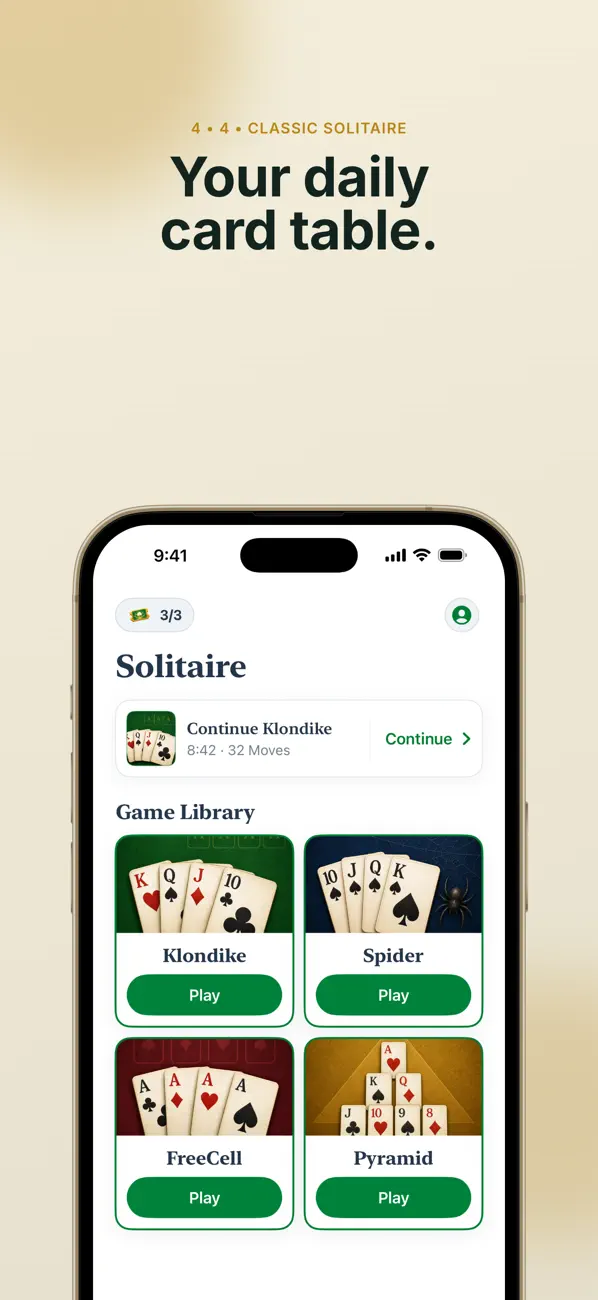
Solitaire Suite brings four card games into one app. Start with each game’s illustrated rules and an easy difficulty.
Start a game
Choose a game and difficulty to begin a board with the corresponding rules.
- Choose Klondike, Spider, FreeCell or Pyramid.
- Read the rule guide and choose Easy, Normal or Hard.
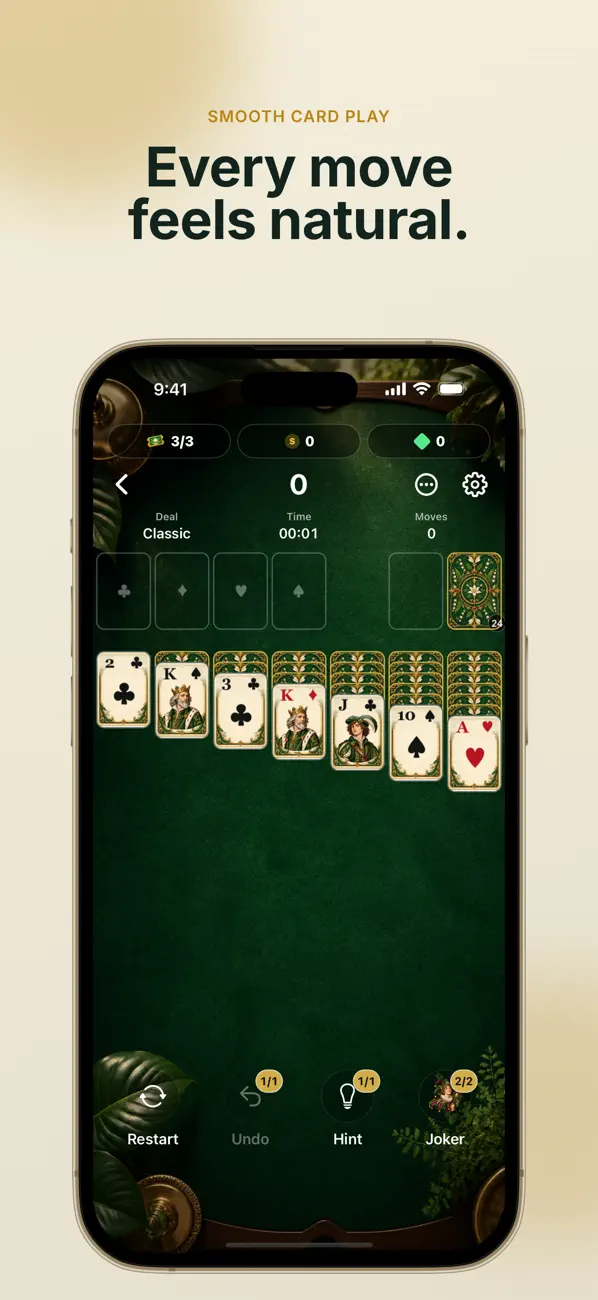
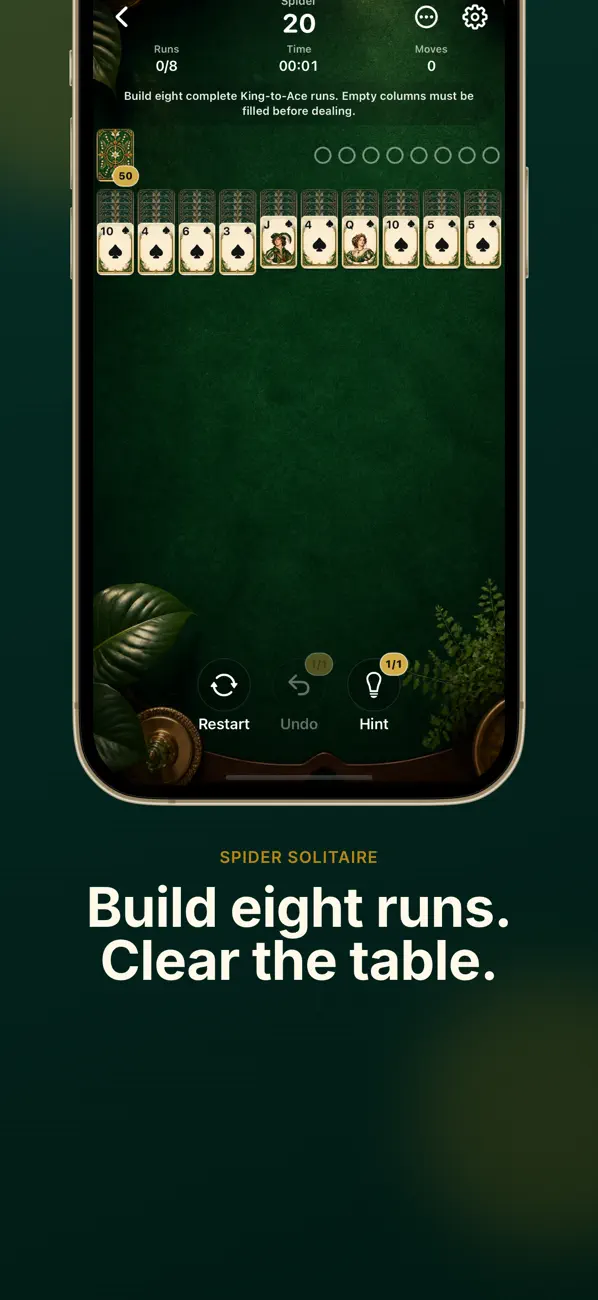
- Drag cards to play; when stuck, check whether hints or undo are available.
Daily challenges and progress
Daily challenges use a fixed board, with calendar stars and streaks to follow. You can also return to saved game progress and review statistics.
Assistance and Premium
Undo, hints, Jokers and Auto Finish depend on the game state and available entitlement. Premium includes ad removal, unlimited tickets/assistance and full statistics. Free use does not mean unlimited access to every helper.
If a card will not move
Check the current game’s rules and legal destinations first. Include the game, difficulty and board state when contacting support. Since play does not require an account, check how to preserve records before deleting the app.
Official app previews
These images come from the public App Store listing. Screens can differ by language, device and app version.
Common questions
Do all four games use the same rules?
No. Use the illustrated rules and onboarding for the selected game.
Can I pause before finishing?
The published app supports saved game progress. Deleting the app or resetting a device is different from pausing a game.
Does your screen look different?
The app changes over time. Include your app version and the steps you tried when contacting support. Do not send passwords, payment details or API keys.
dev@zrindy.com