

Ziply organizes tasks and assignees for each household. See what needs doing today or this week in a shared space.
Set up household tasks
Check your account and household, then use task names everyone understands.
- Sign in with Google or Apple and check the household you will use.
- Create tasks and checklists, then assign the person responsible.
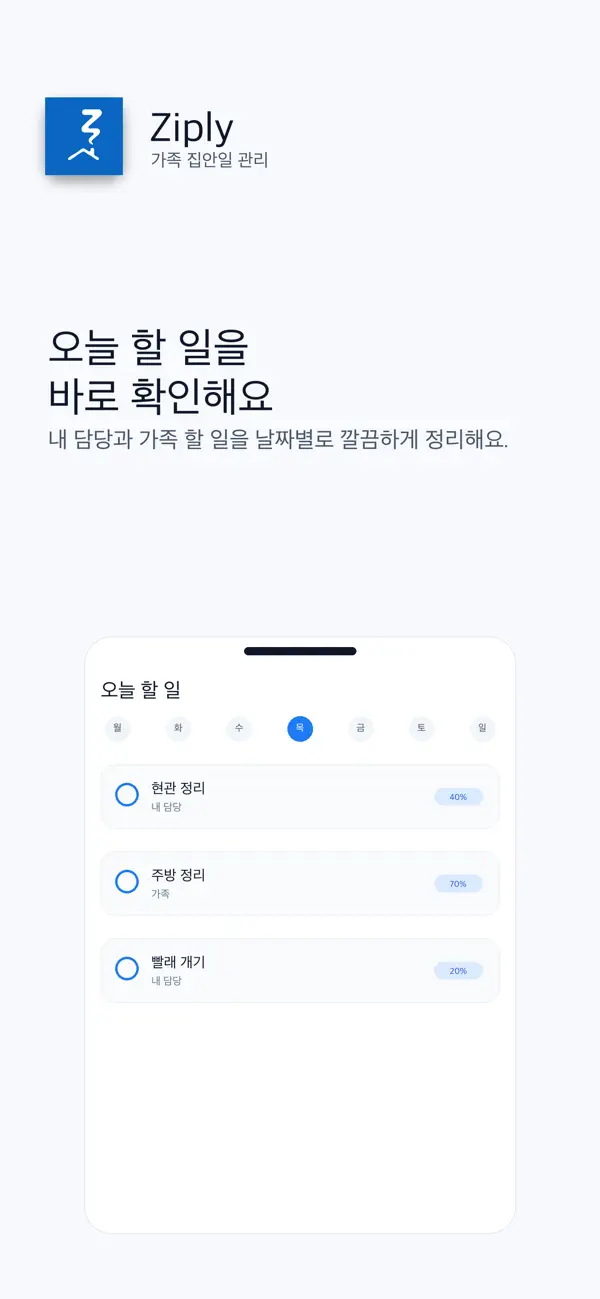
- Review today or this week and mark finished work complete.
Assignees and reminders
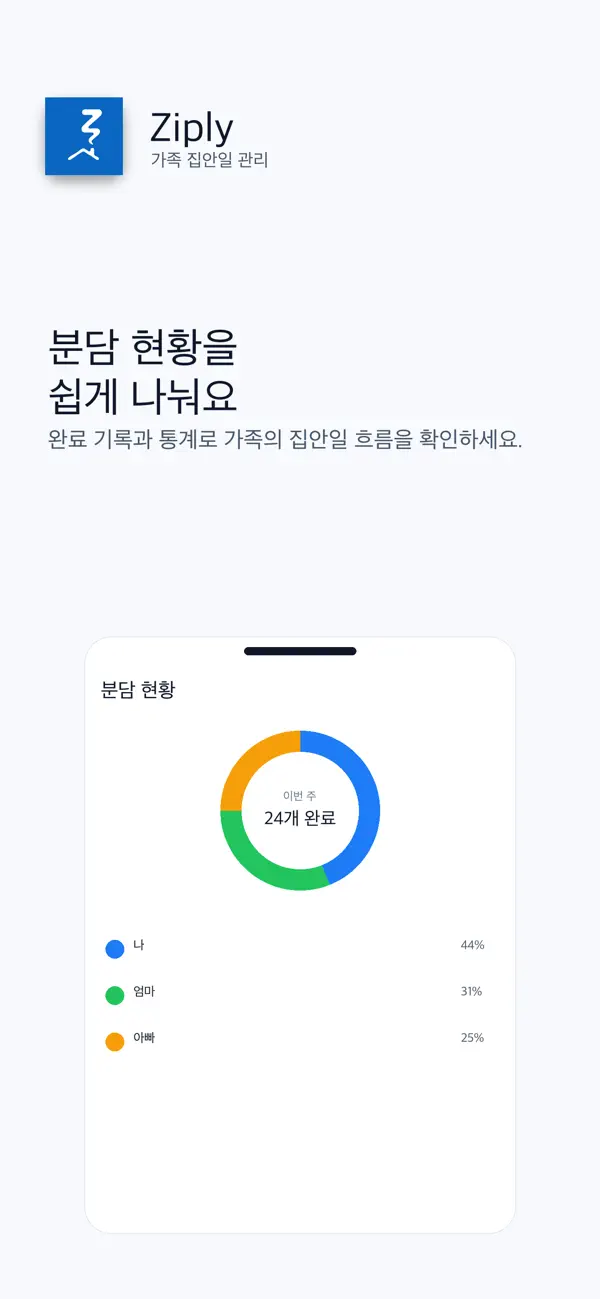
Review family roles and assignees when dividing work. For missing reminders, check app settings, device notification permission and Focus settings.
If shared tasks are missing
Check the household, signed-in account, date view and assignee filters. If connectivity is unreliable, check again before creating a duplicate task.
Official app previews
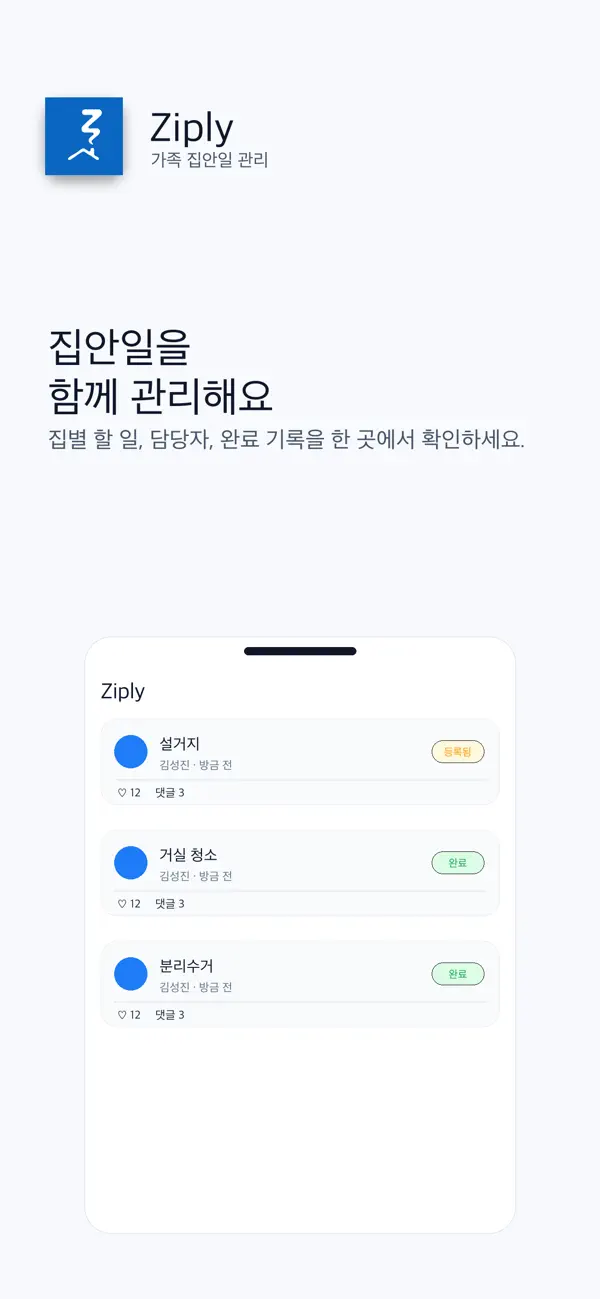
These images come from the public App Store listing. Screens can differ by language, device and app version.
Common questions
How do I distinguish different homes?
Check the selected household before adding tasks to its checklist.
Can I share completed work with my family?
Use the completion feed, comments, likes and before/after photos.
Does your screen look different?
The app changes over time. Include your app version and the steps you tried when contacting support. Do not send passwords, payment details or API keys.
dev@zrindy.comThis guide was translated from the developer’s source text. If a step is unclear, compare the original or contact support. Read the original